Key UtilitySystem
KUS is the staff app for a busy distribution centre. New starters learn the loading rules on their phone before their first cage, to bring down the yearly claim rate and the amount of wasted product, and everyone gets their shifts, holidays and news in one place.
- Sector
- Warehouse and distribution
- Role
- Research, design and build
- Built with
- Figma, Flutter, Dart
Your day at a glance
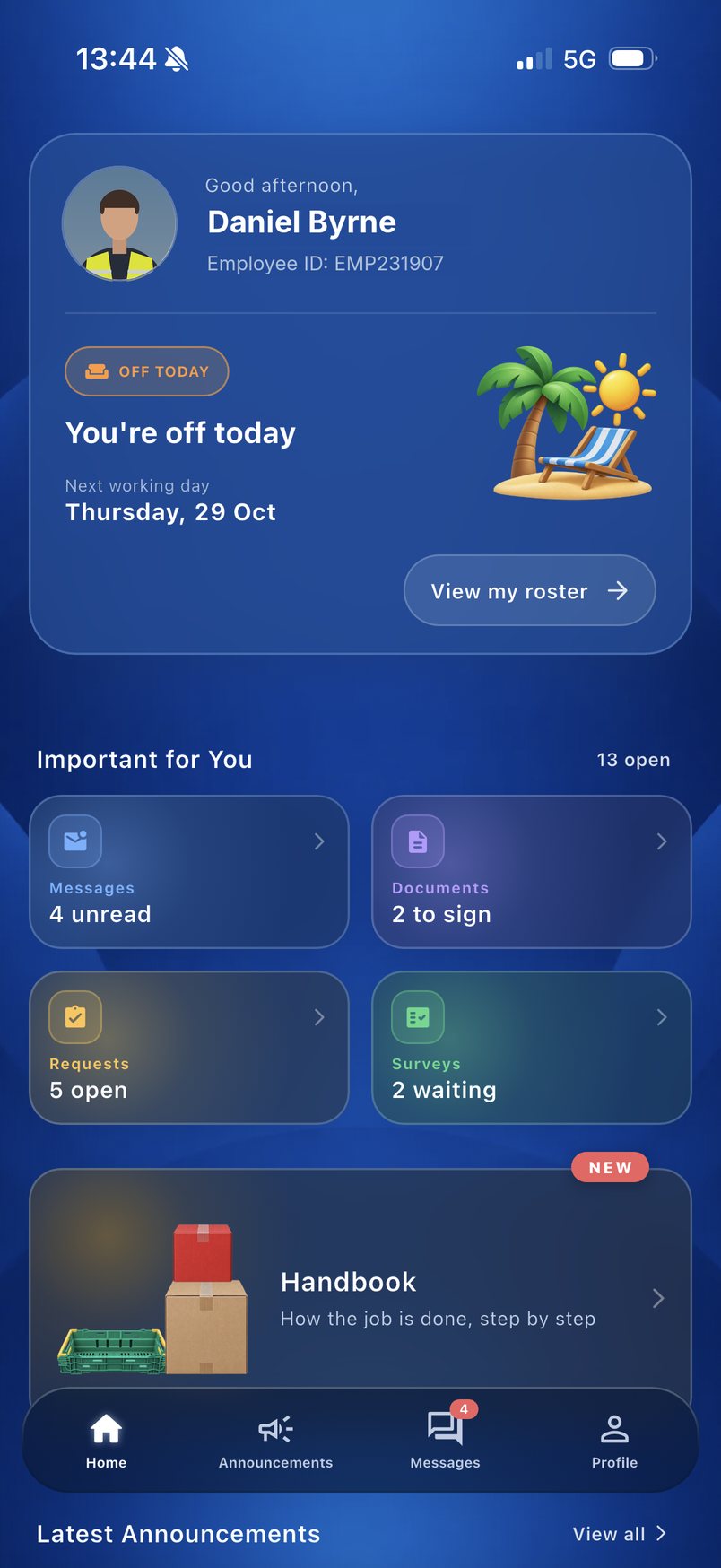
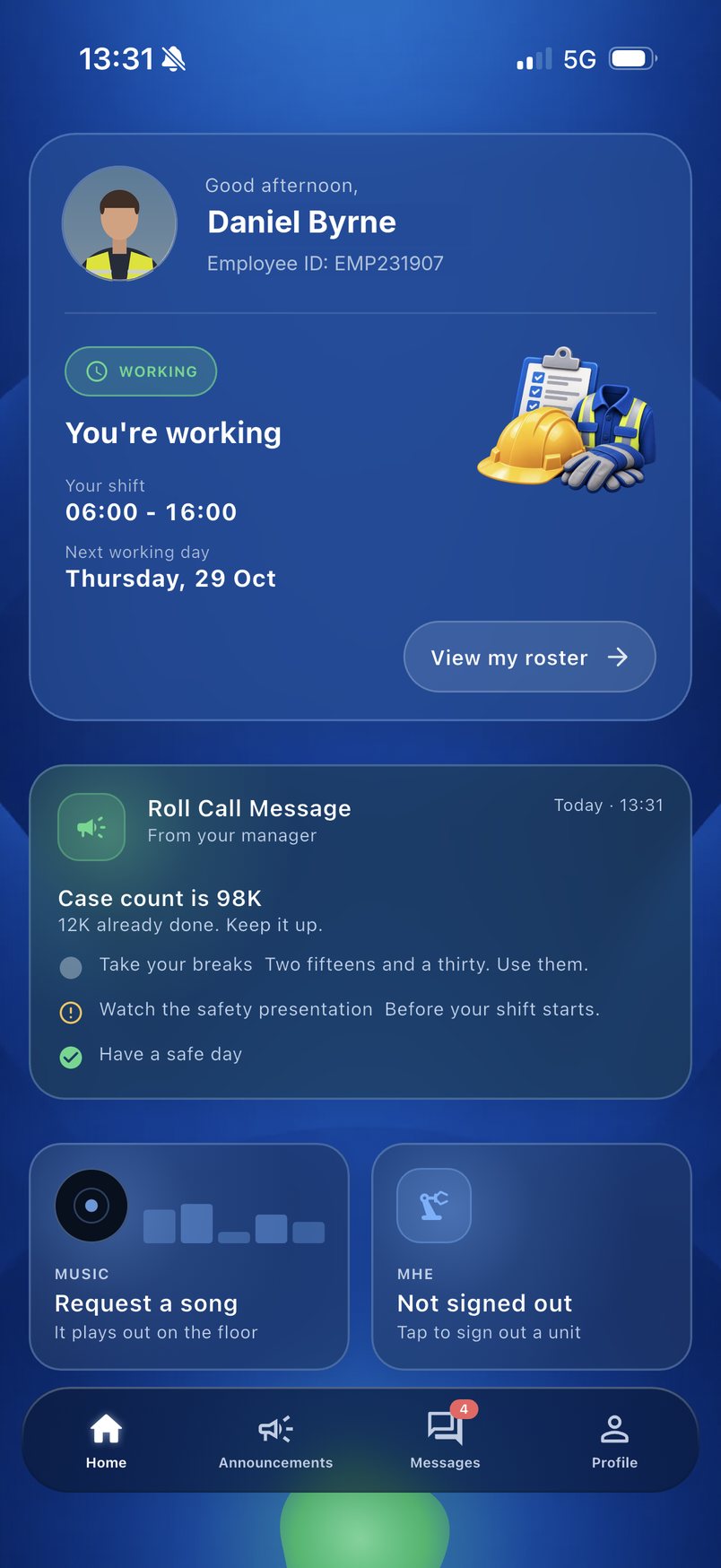
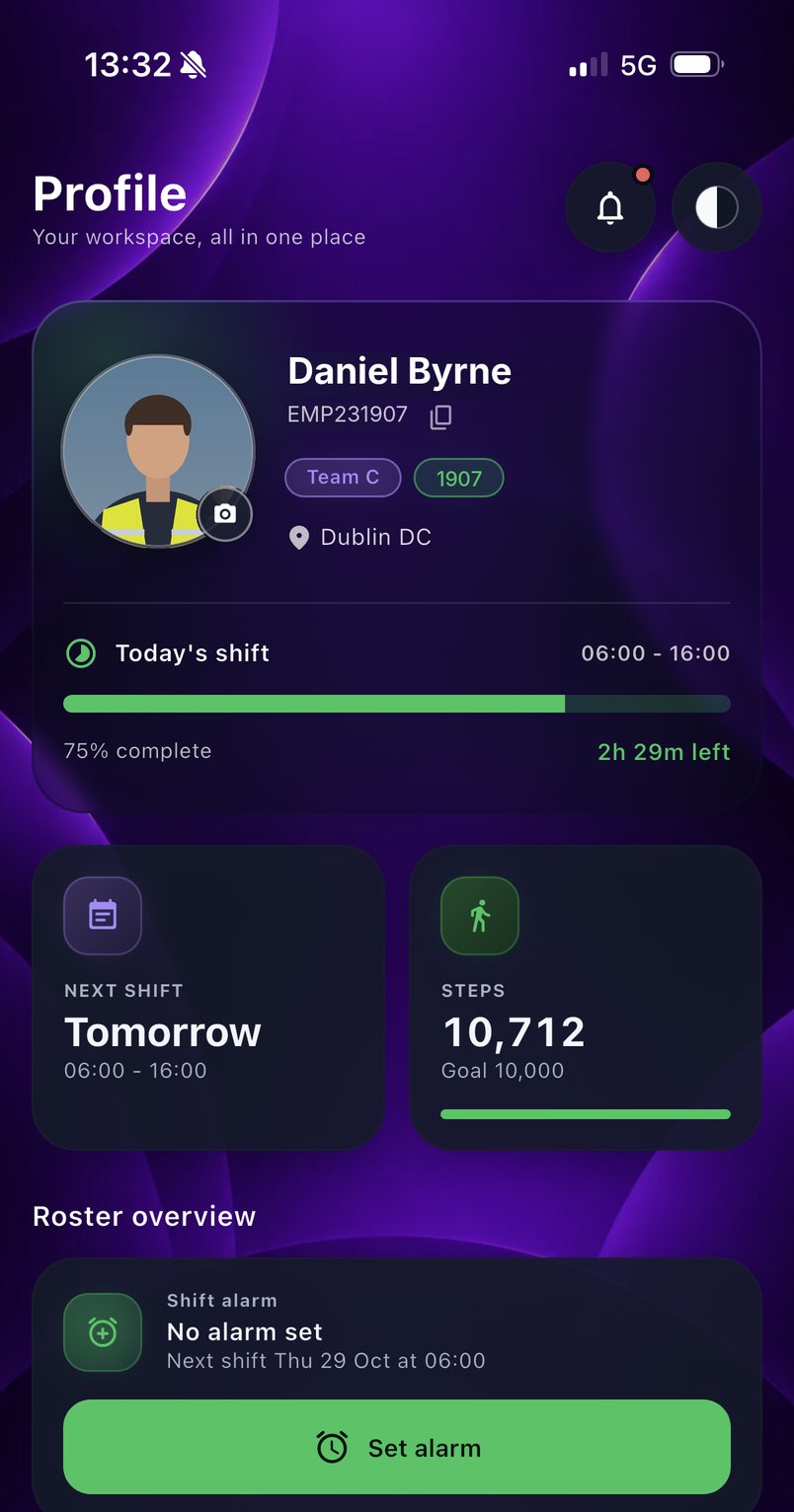
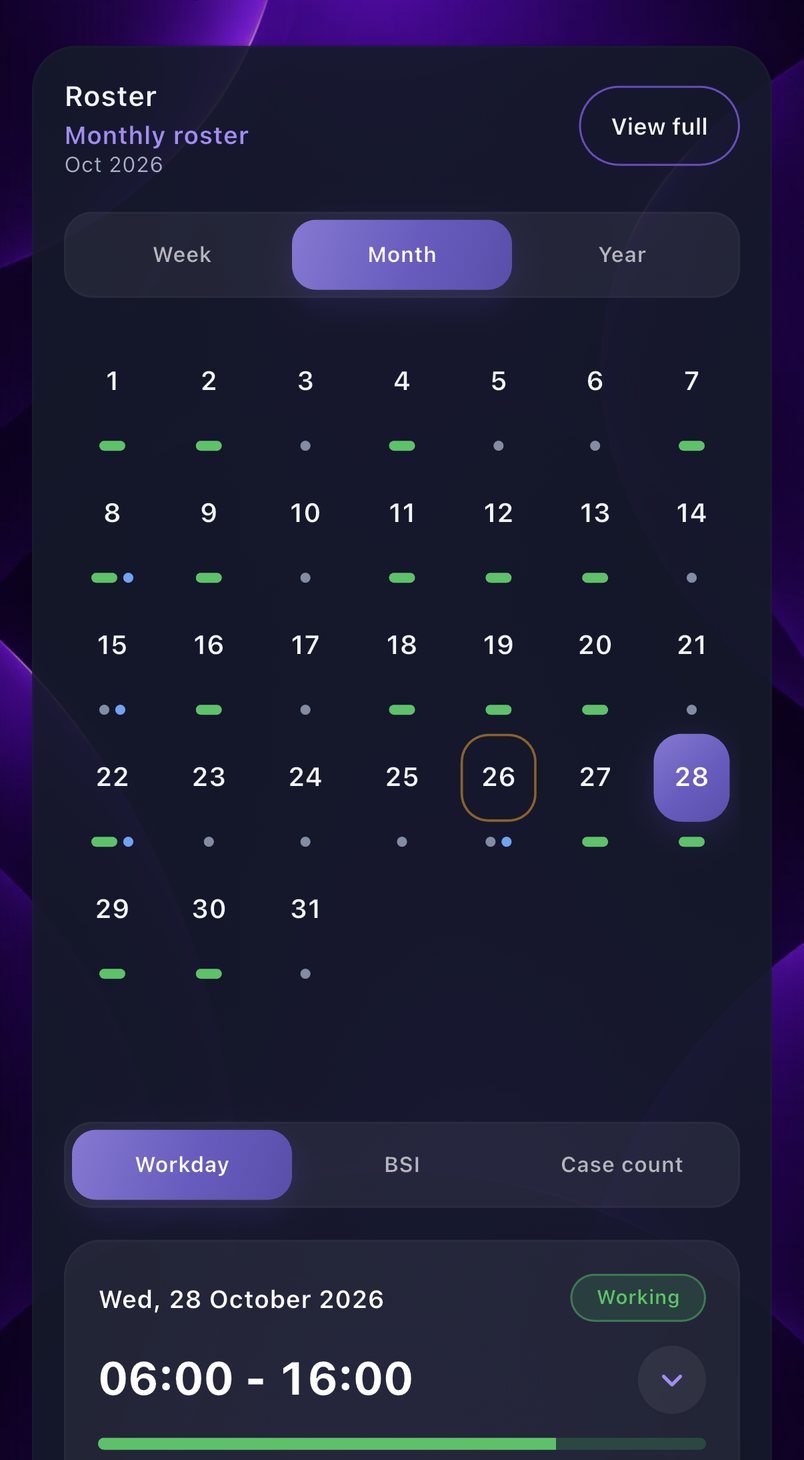
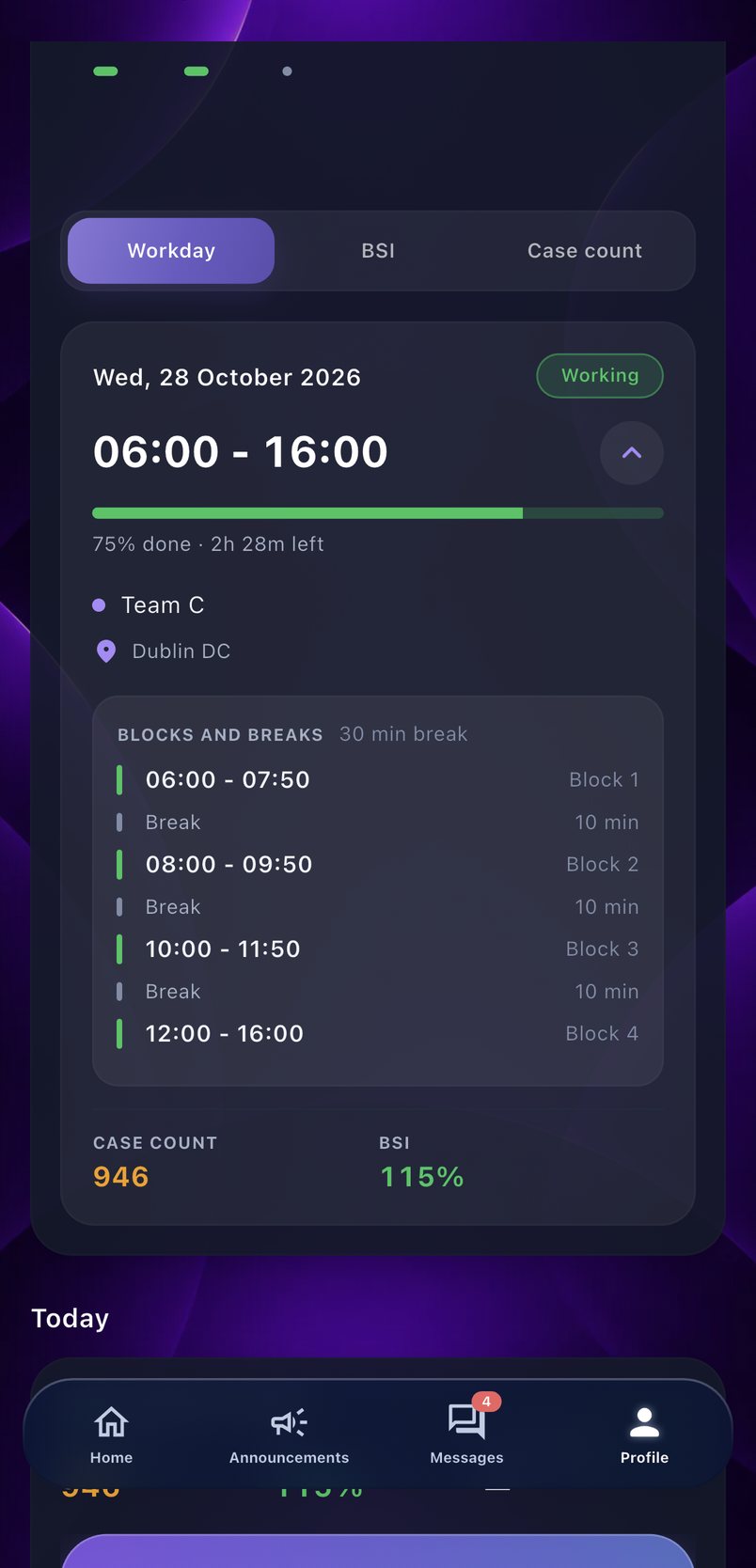
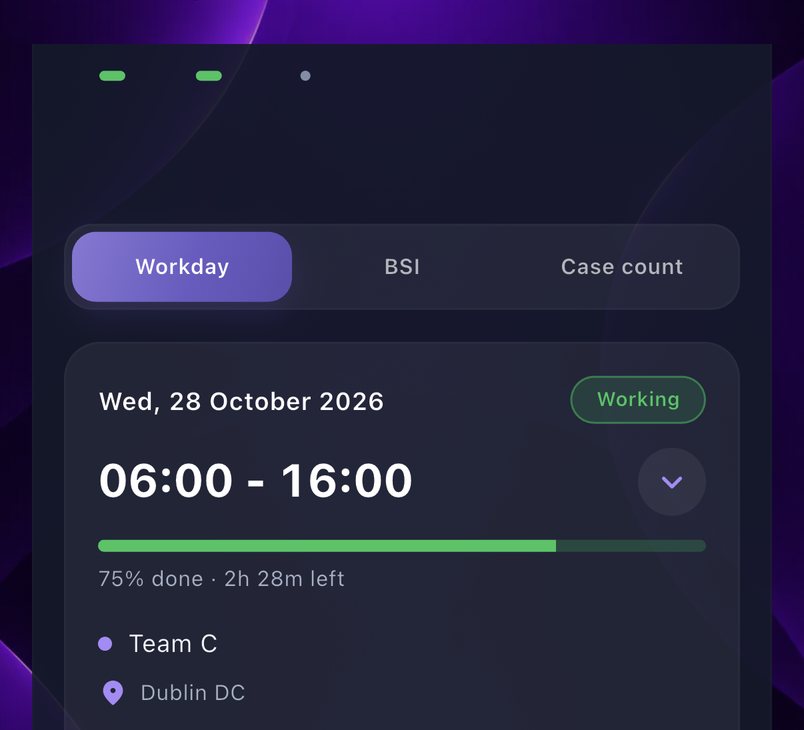
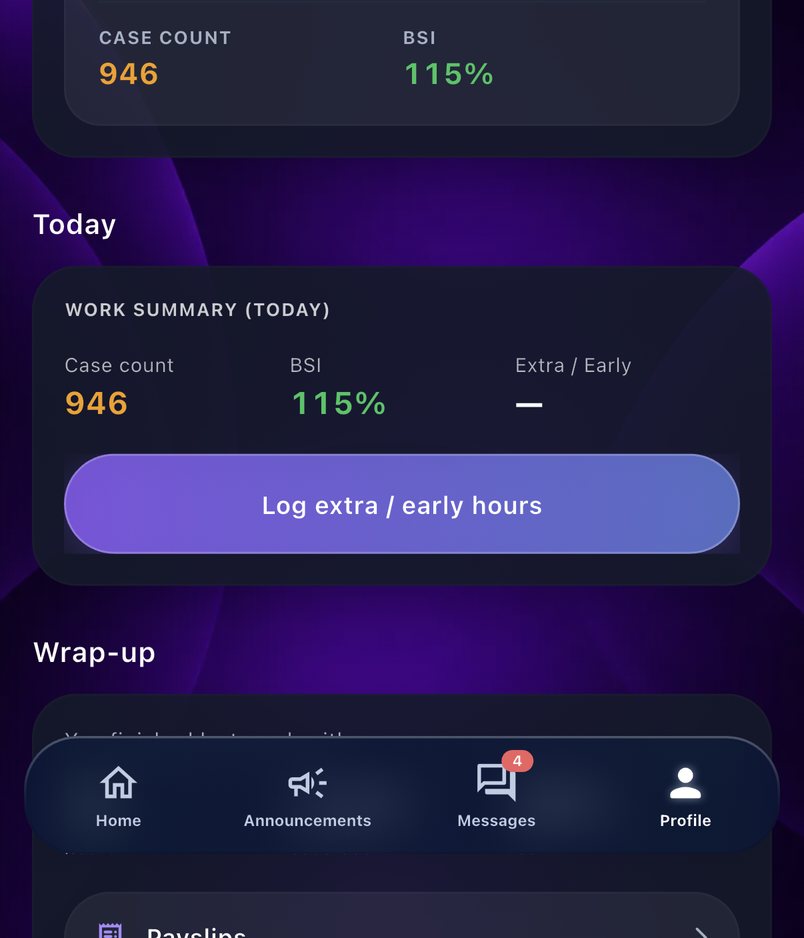


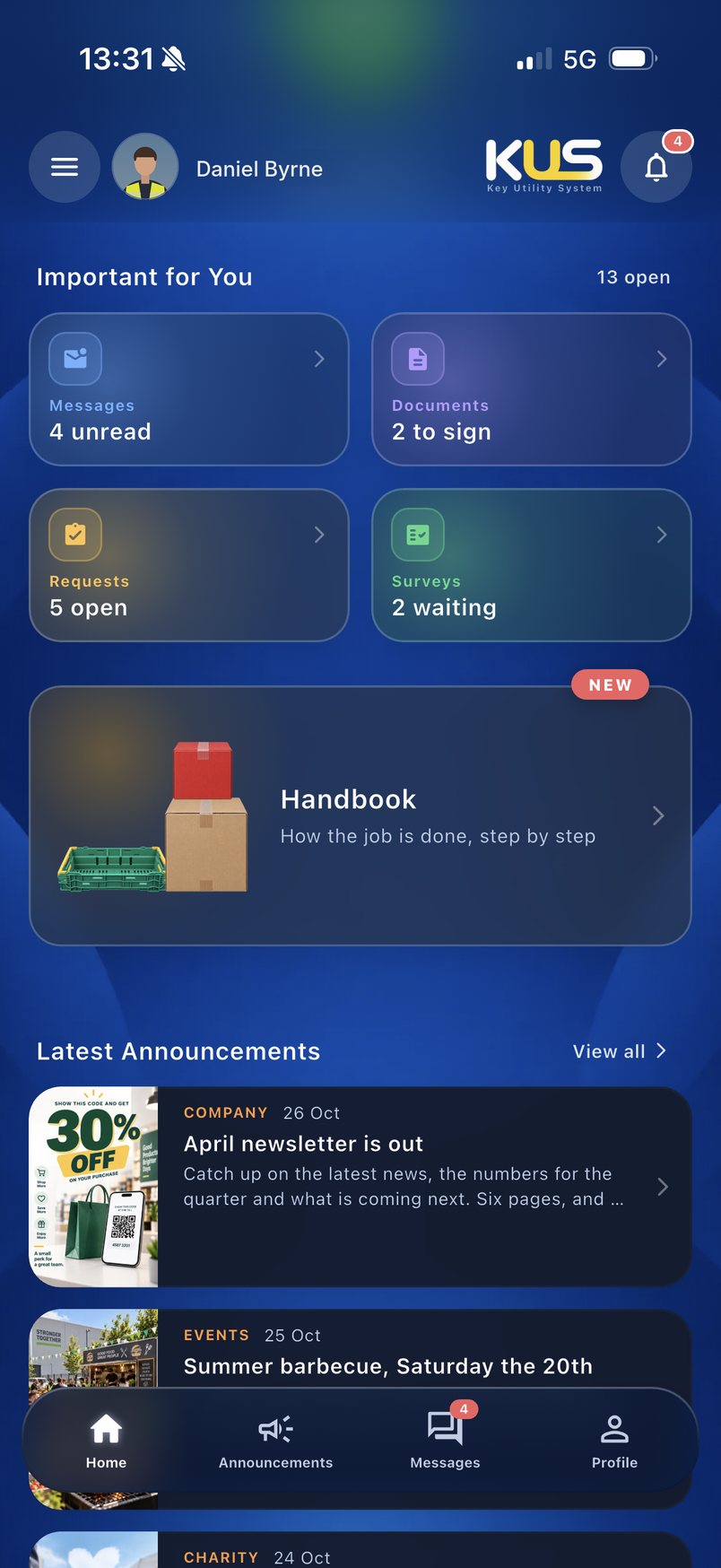
That is the first question anyone on a warehouse floor asks, so I opened the app on the answer: working or off, the shift, and the next day in. One tap opens the profile with the month’s roster and the day’s break times, so people plan their own shift instead of asking a supervisor.
Learning the job
Most damaged product starts as a cage loaded the wrong way by someone still learning. I turned the loading rules into a short lesson a new starter plays on their phone, then let them load a cage themselves and see straight away when a crate would crush a carton. The aim is a lower claim rate and less wasted product, because the rules are learned before the first shift instead of from the first mistake.
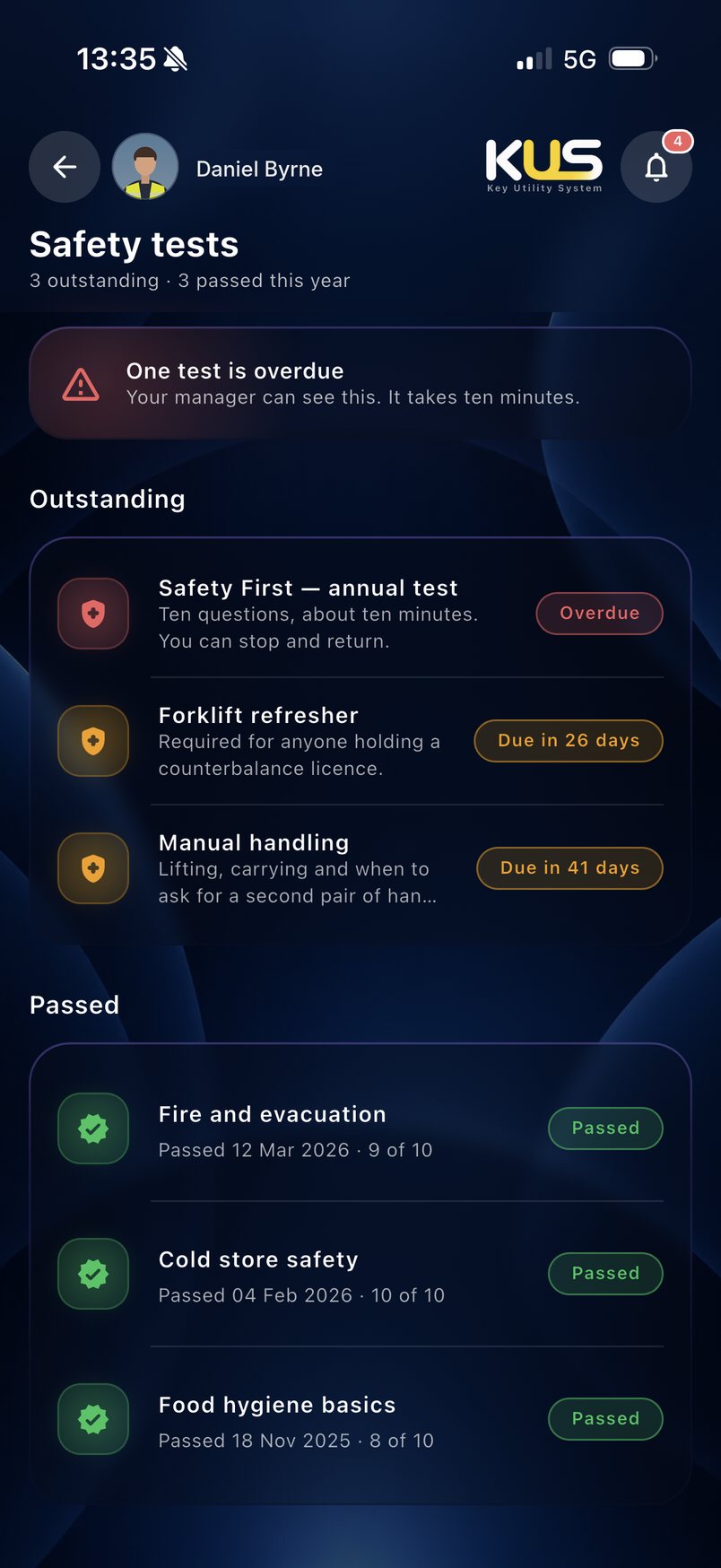
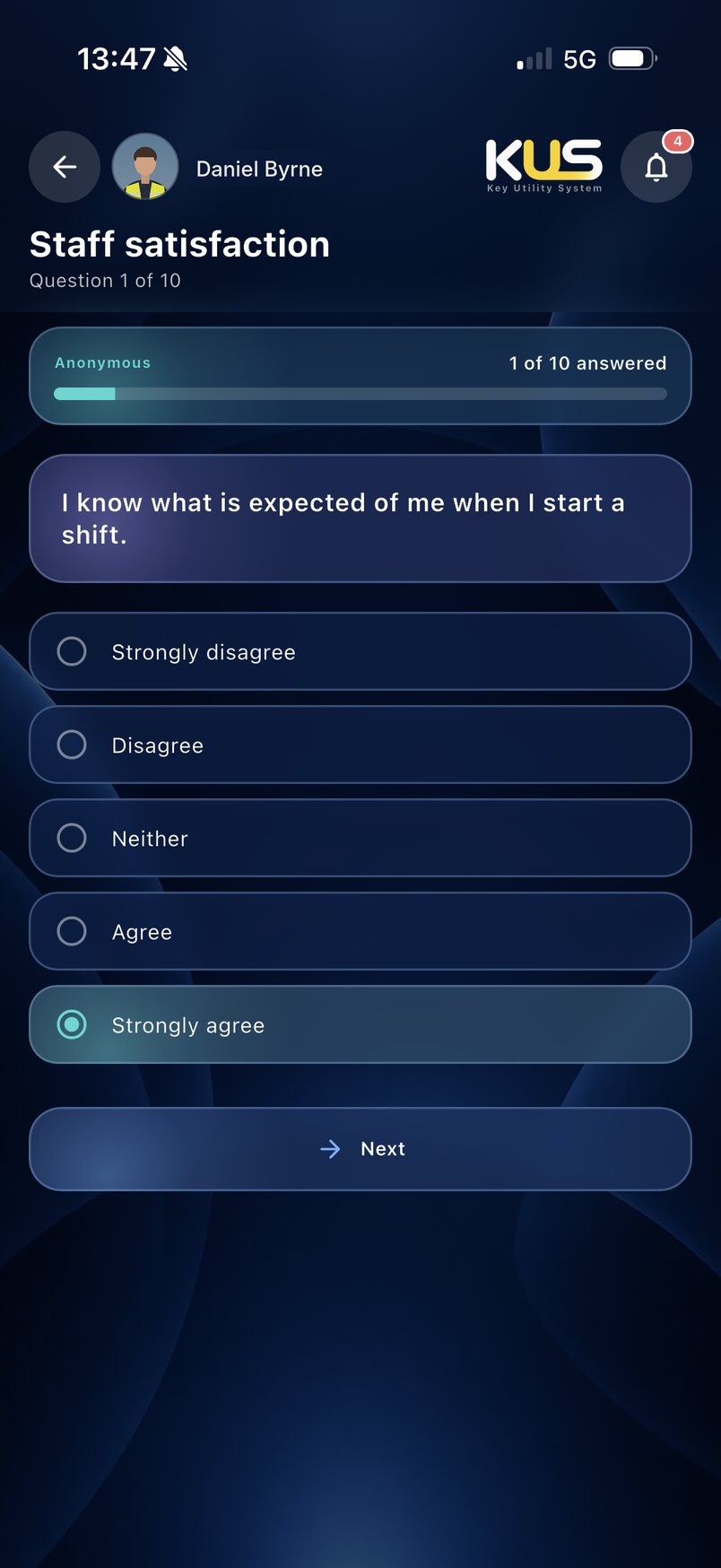
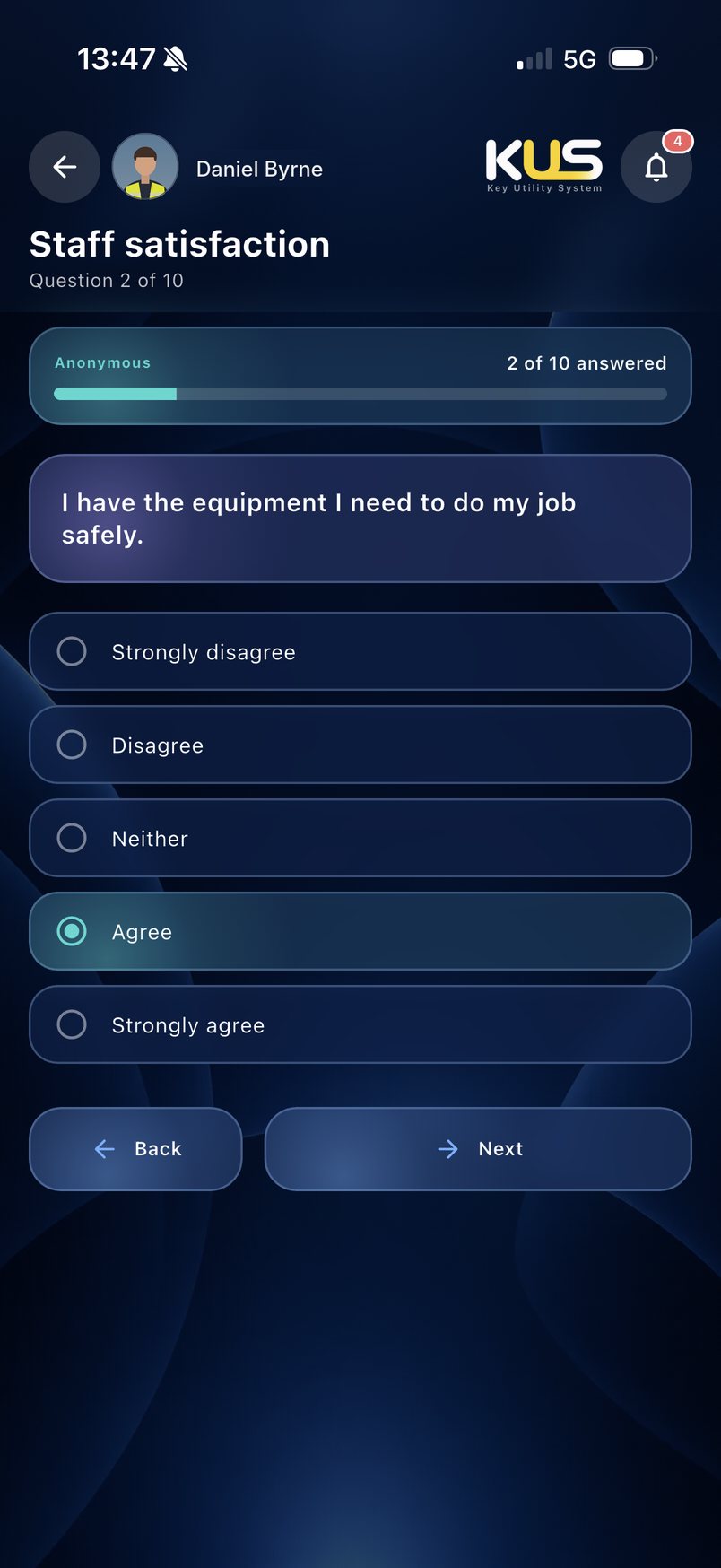
Paper sign-off sheets get lost, and nobody can see who is behind. I put every safety test in one list with its due date, so a manager sees who is overdue at a glance and each person can open the test and clear it in ten minutes on a break.
Time and time off
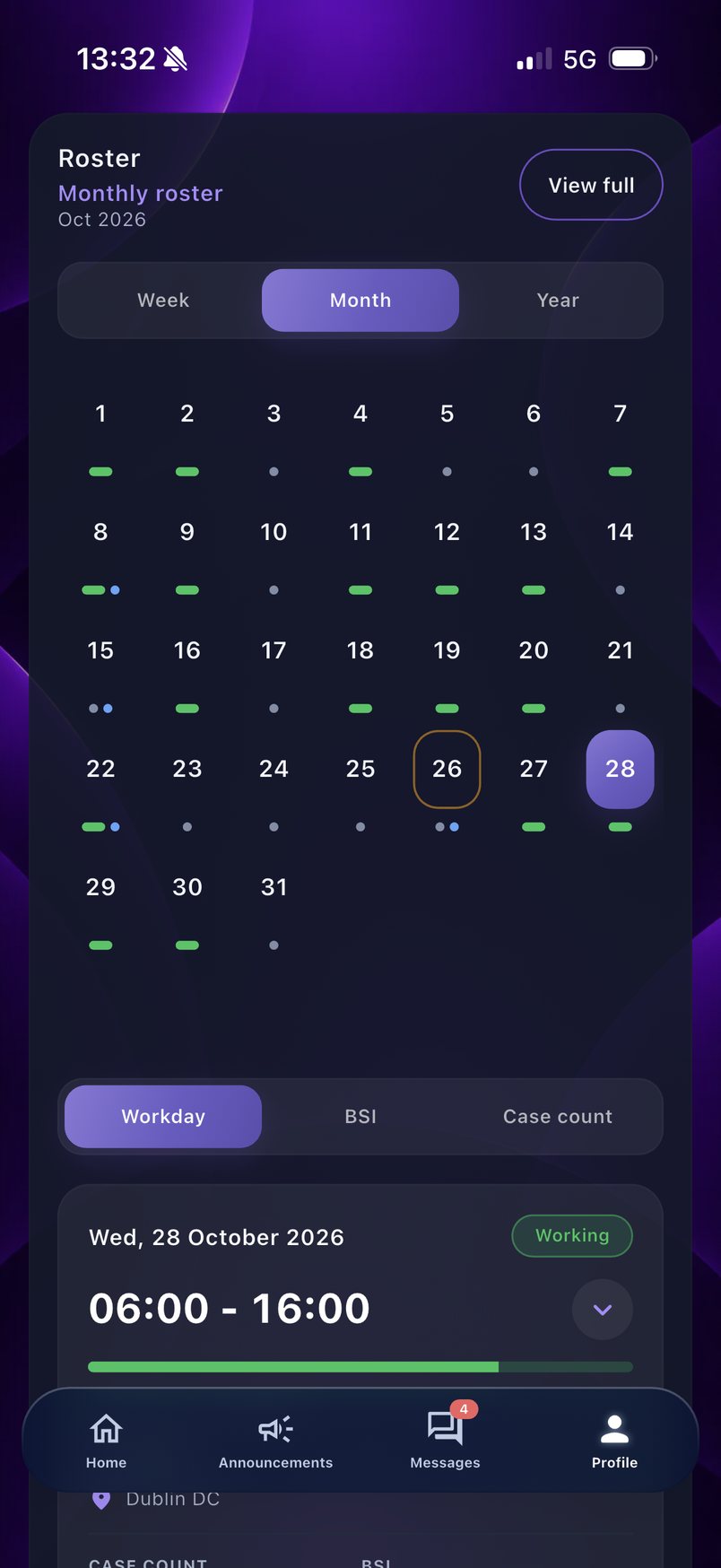
A printed roster on the canteen wall is out of date the day a shift changes. I put each person’s month on their phone with every working day marked, so a change reaches them the moment it is made.
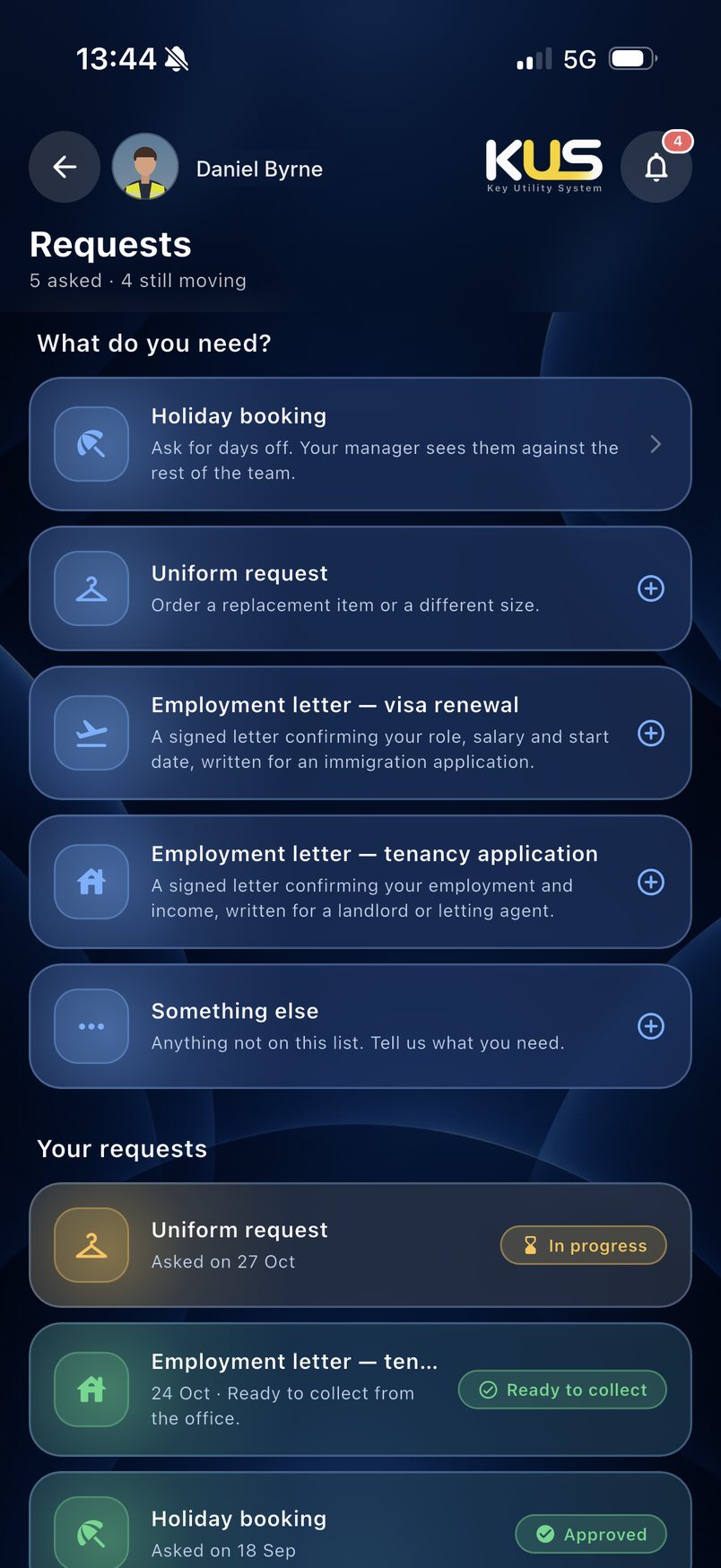
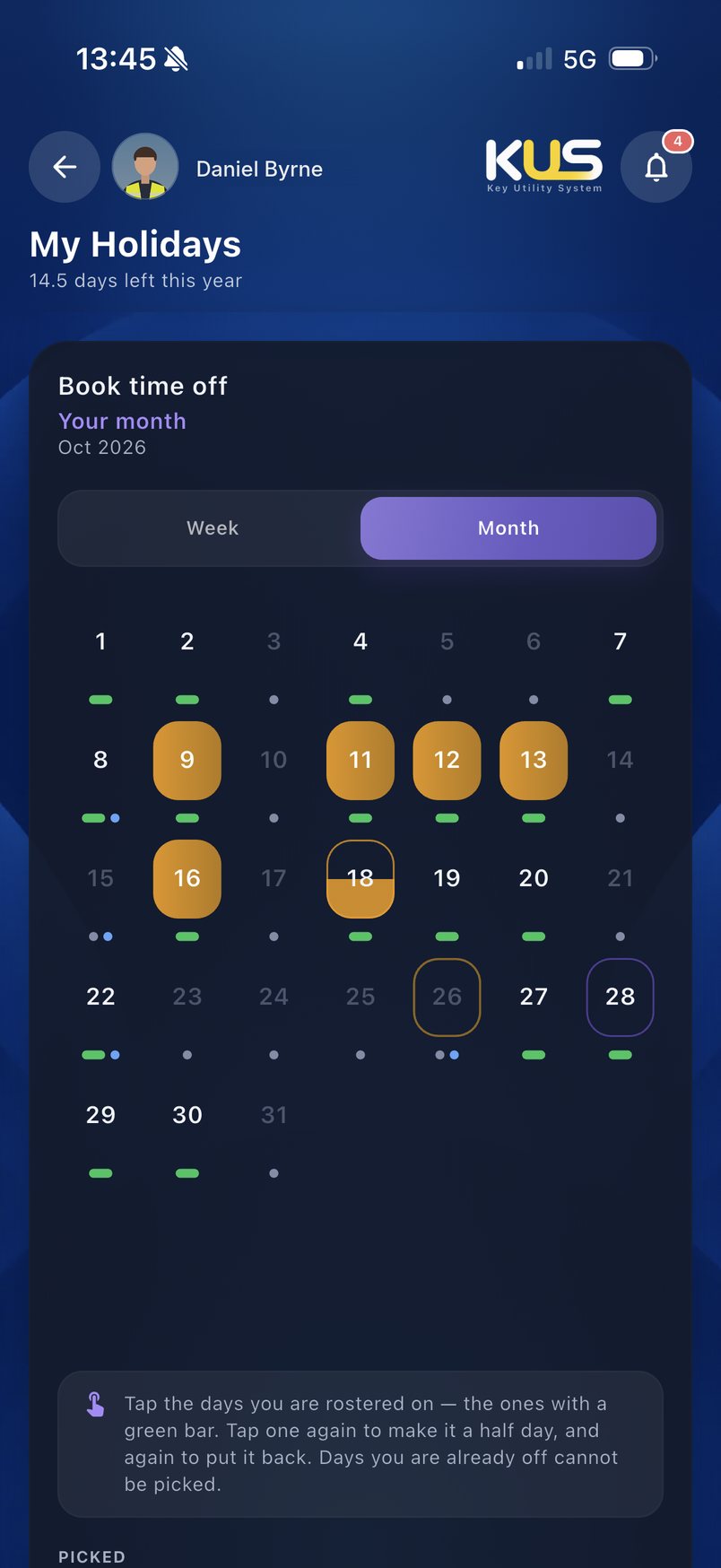
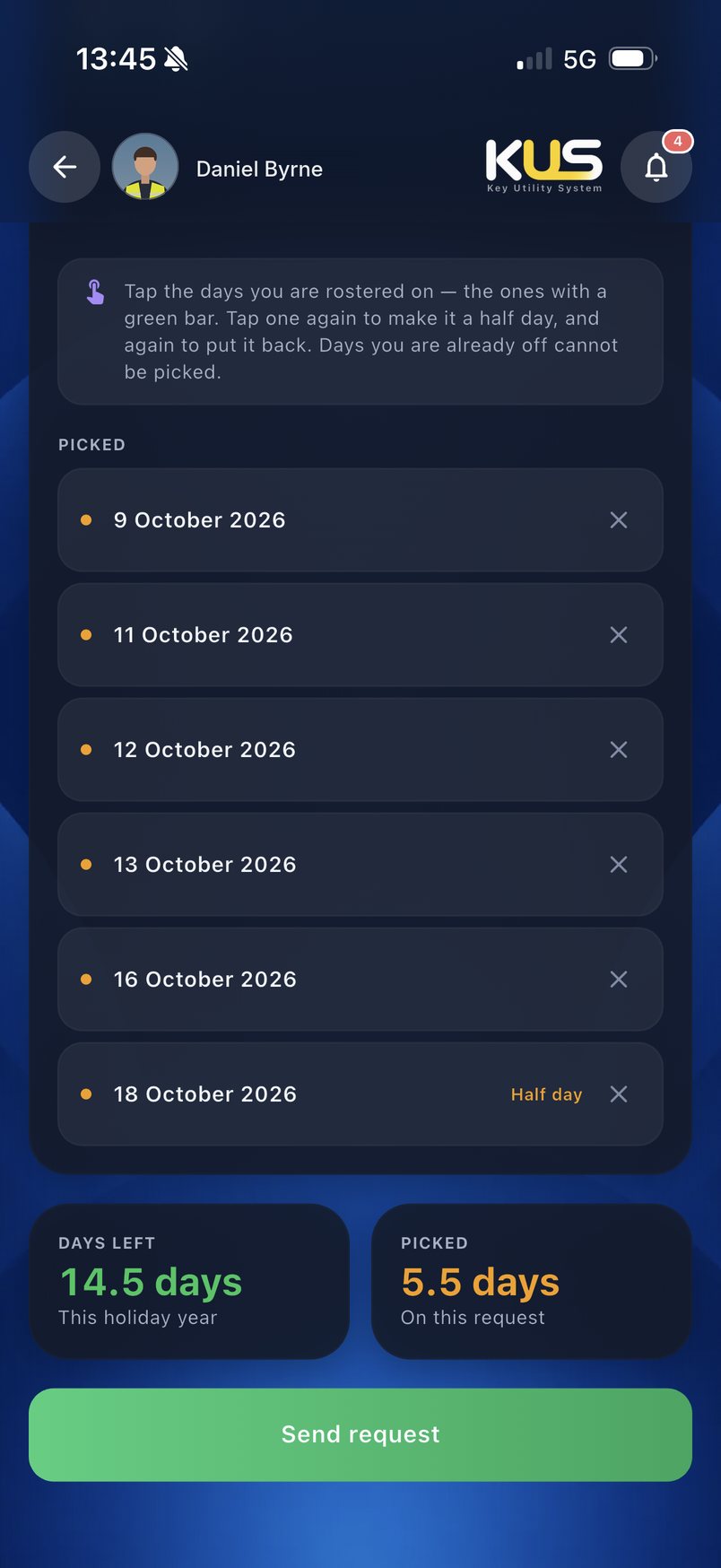
A holiday used to mean a form, a tray and a wait. Now people tap the days they want, see how many they have left and send the request, and it lands with the manager, who checks it against the rest of the team.
One channel for the floor
 Say something…
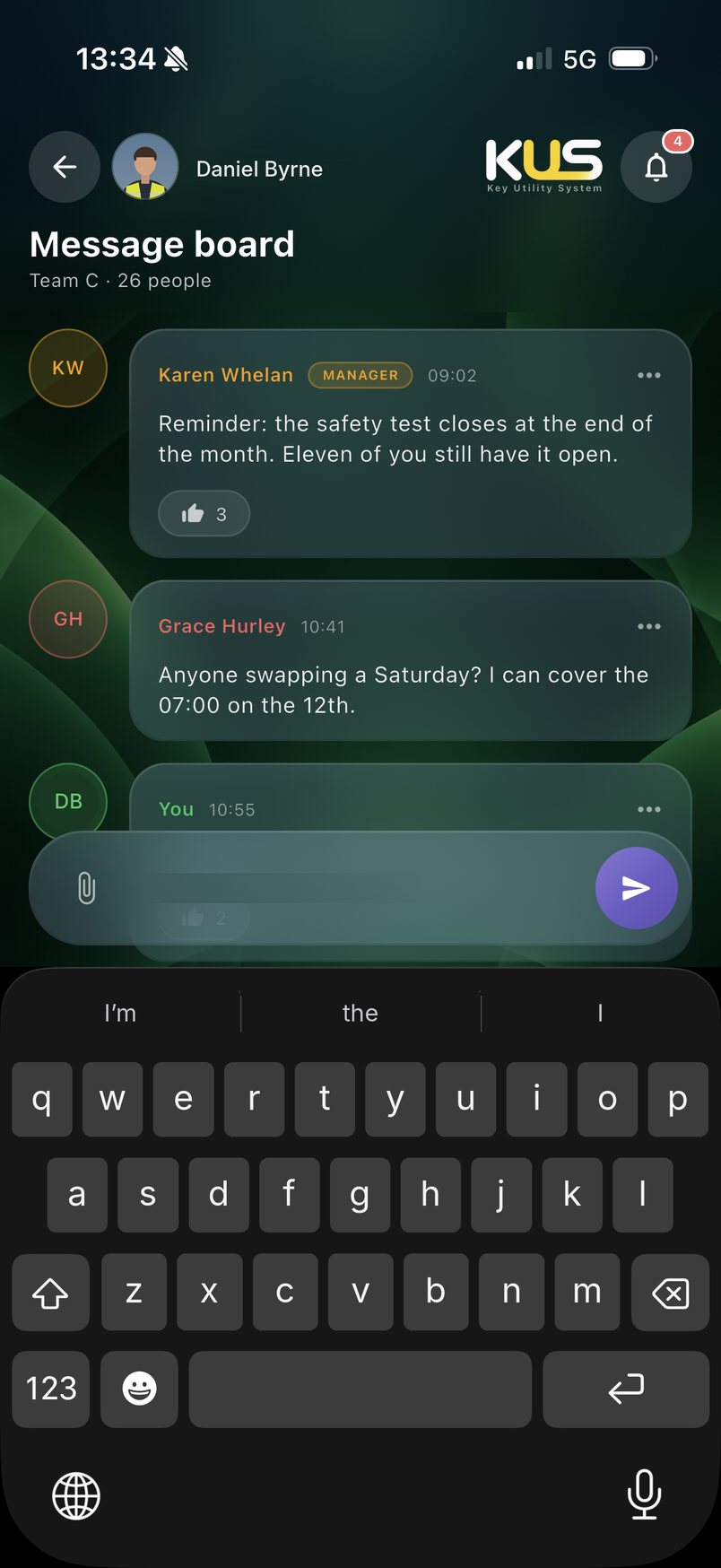
Shift swaps and “running late” messages usually end up in private group chats the company has no part in. I gave every team a message board inside the app, so those conversations stay with the company and a manager can see them and answer.
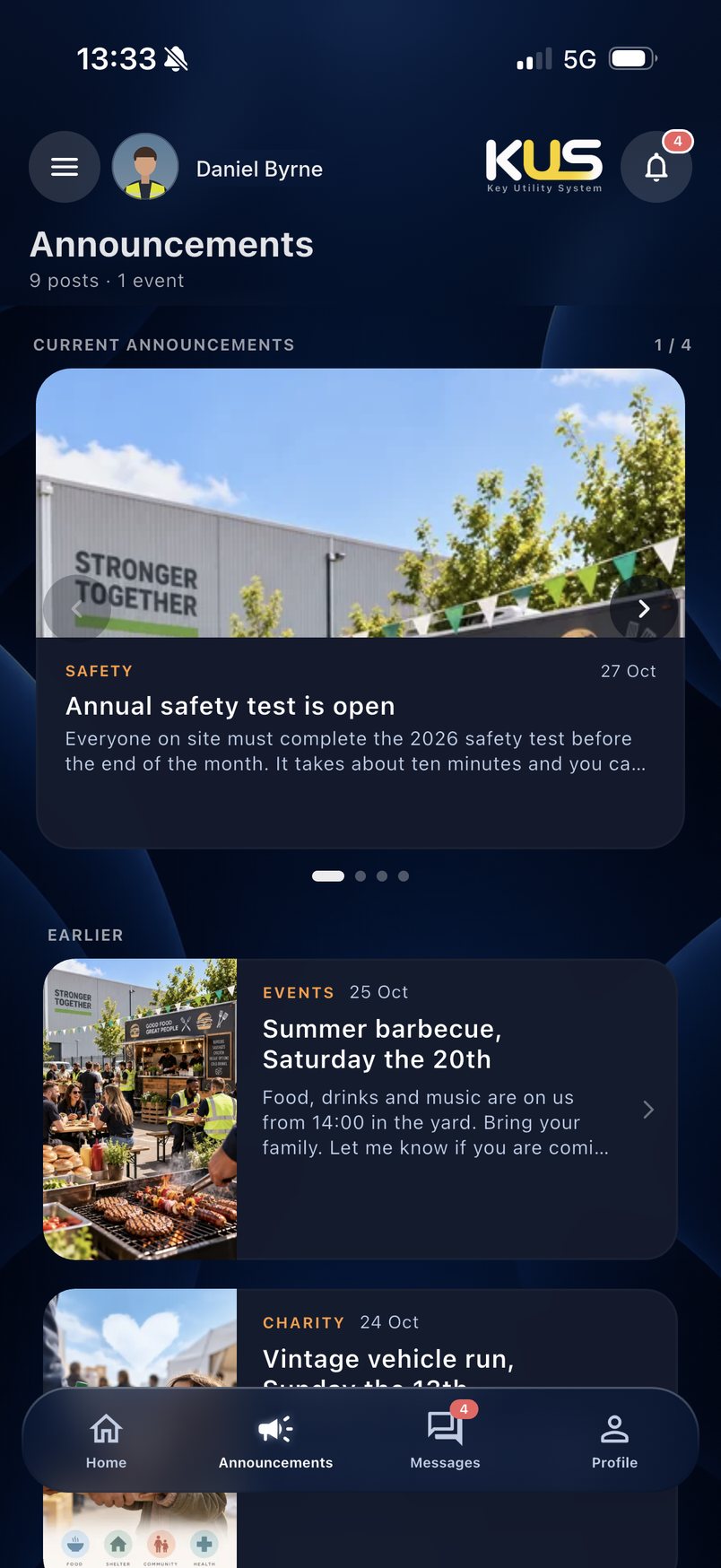
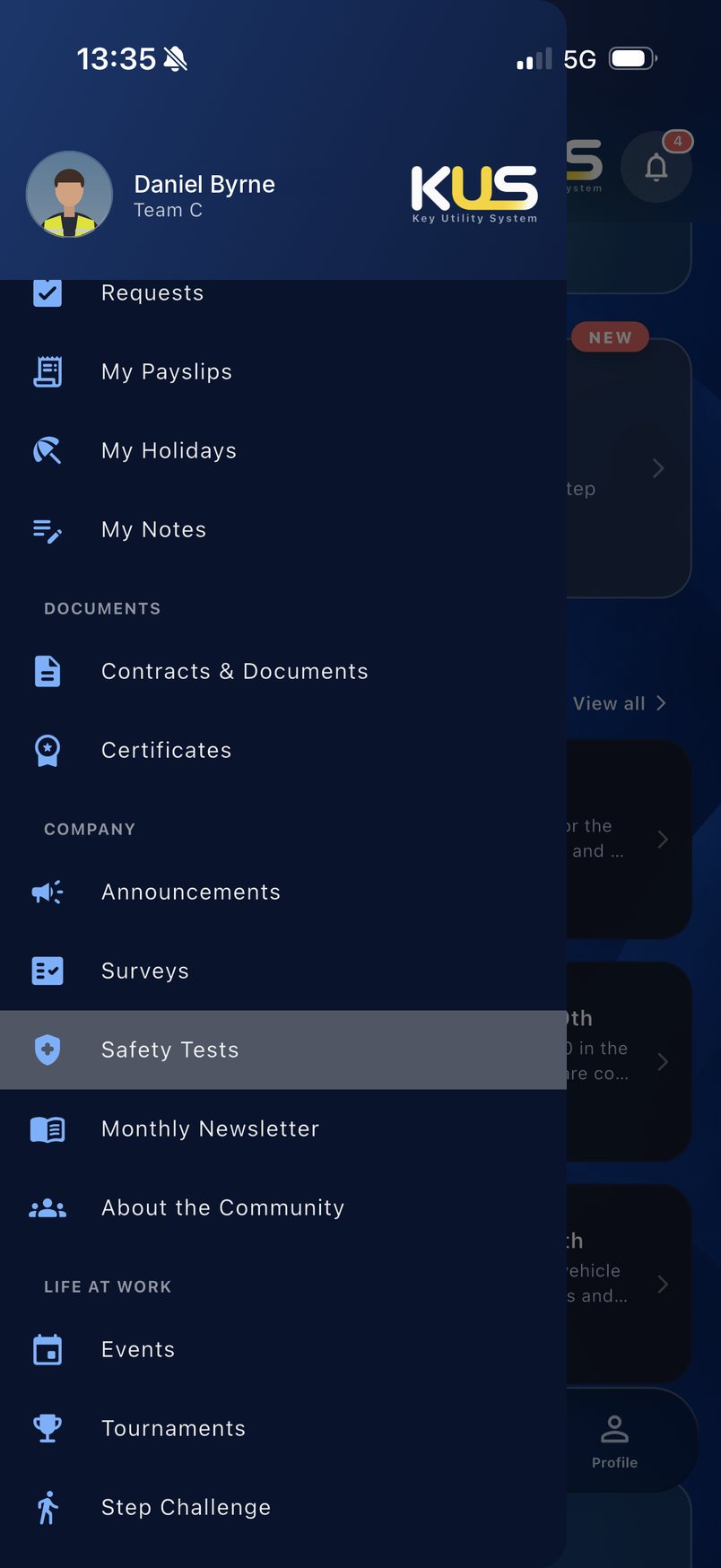
A notice in the canteen reaches whoever walks past it. An announcement reaches every phone on site the moment it is posted, from the safety test deadline to the summer barbecue.
The break
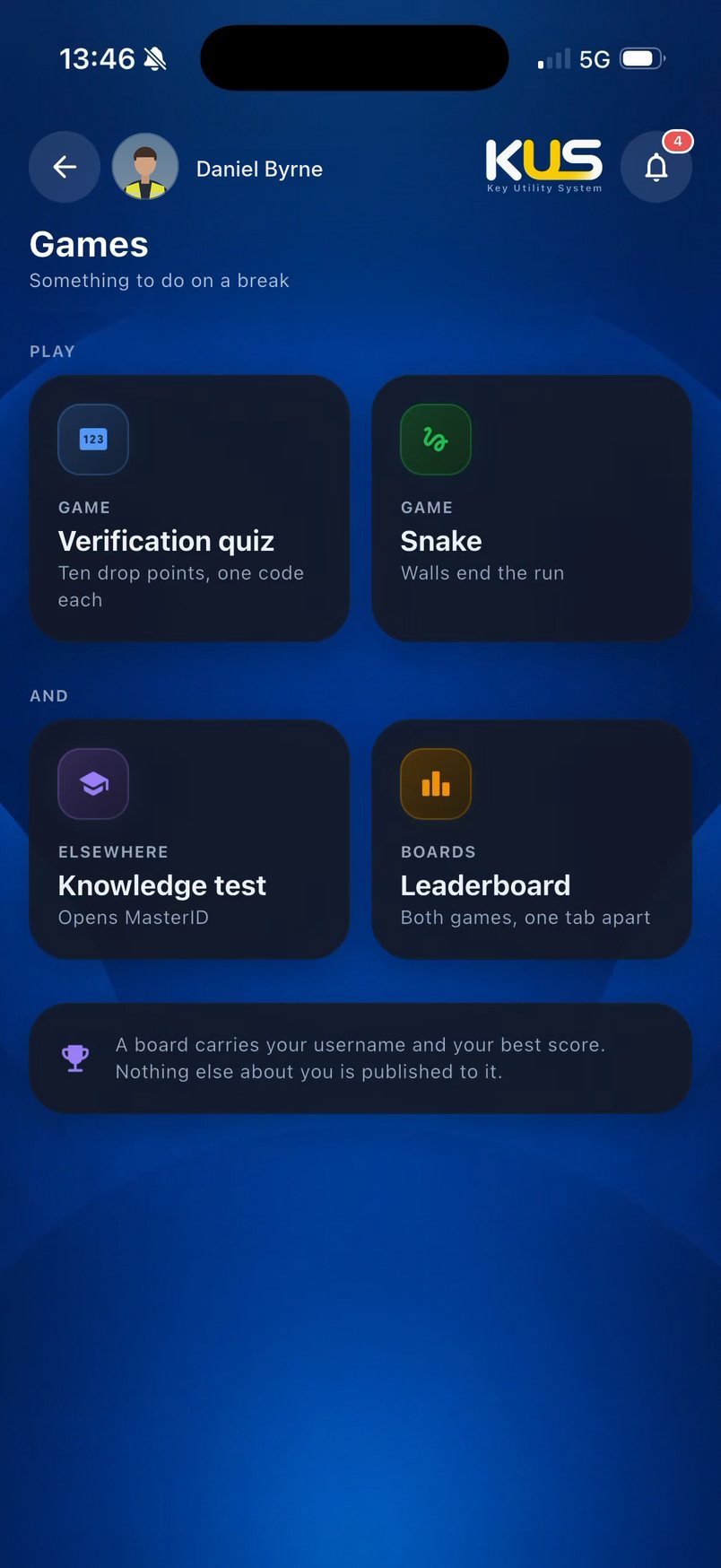
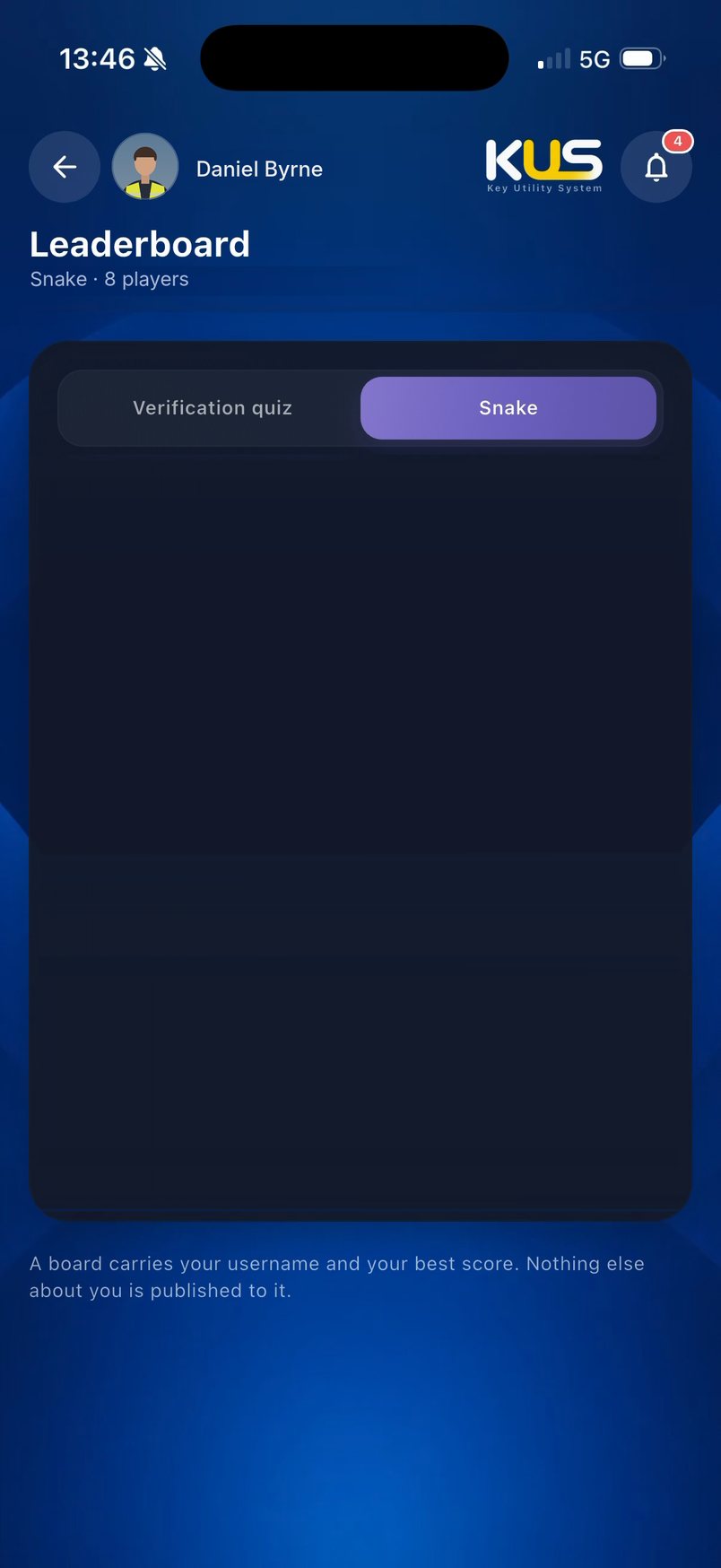
An app people open only when they have to is an app they forget. I added a small game and a site leaderboard, a bit of friendly competition between teams that brings people back on every break, and with them the announcements and tests waiting inside.
The day ends where the floor stops: on a break. The app tells each person when their break starts, so nobody has to watch the clock and nobody loses minutes of it.
Type and colour
Behind it
For agencies and anyone who wants the reasoning: what the site needed, what others do, what I left out and how the app is built.
The brief
A distribution centre runs on people who start quickly and learn on the floor. While they learn, loading mistakes turn into damaged product and customer claims.
The site needed two things in one app: a way to teach and test the loading and safety rules before a new starter’s first shift, and one place for everything people ask about every day, from shifts and holidays to news.
What others do, what I did
Off-the-shelf HR apps are built for offices: payslips and leave, nothing about the work itself.
I built it around the floor: the shift, the breaks, the case count and the loading rules.
Training is a talk or a video in a meeting room on day one.
I made the rules something a new starter plays on their phone and is tested on, cage by cage.
Rosters, swaps and news live on a wall and in private group chats.
I put them in one app the company controls, with each team’s message board inside it.
What I left out
- Clocking in and payroll changes. They belong to the systems the site already runs.
- Public sign-up. A manager adds each person, and the account is tied to their phone.
- Leaderboards of work performance. The board ranks a game, never anyone’s pick rate.
How it is built
One Flutter app for iPhone and Android. Each person sees only the sections for their role, so floor staff, team leaders and managers share one app without seeing each other’s tools.
- Training. A separate app, so a new starter can learn the loading rules before their account is set up.
- Distribution. Released privately to the company, never listed in the public app stores.
- Staff details. Names, photos and staff numbers on this page are changed.
KUS is an internal app, so there is no public link. Every screen above is from the working app.